Make checkout flow.
Find products, build a sale and record payments. Keep quotations, invoices and receipts connected to your customers.
- POS checkout and payment tracking
- Quotations, invoices and receipts
- Customer balances and sales history

From your counter to your stockroom.
Run your business smarter with MyDuka POS.
MyDuka brings the work around your sales together. Keep records organised, give staff the right access and see what needs your attention.
Find products, build a sale and record payments. Keep quotations, invoices and receipts connected to your customers.
Bring stock, suppliers and purchasing into one workflow so buying decisions start with a clearer picture.
Review your numbers and manage responsibilities, whether you run one counter or several locations.
Available features and capacity depend on your package and business configuration.

For shops, supermarkets, hardware stores, boutiques and wholesalers that need organised products, stock and customer records.
Find your retail workflow →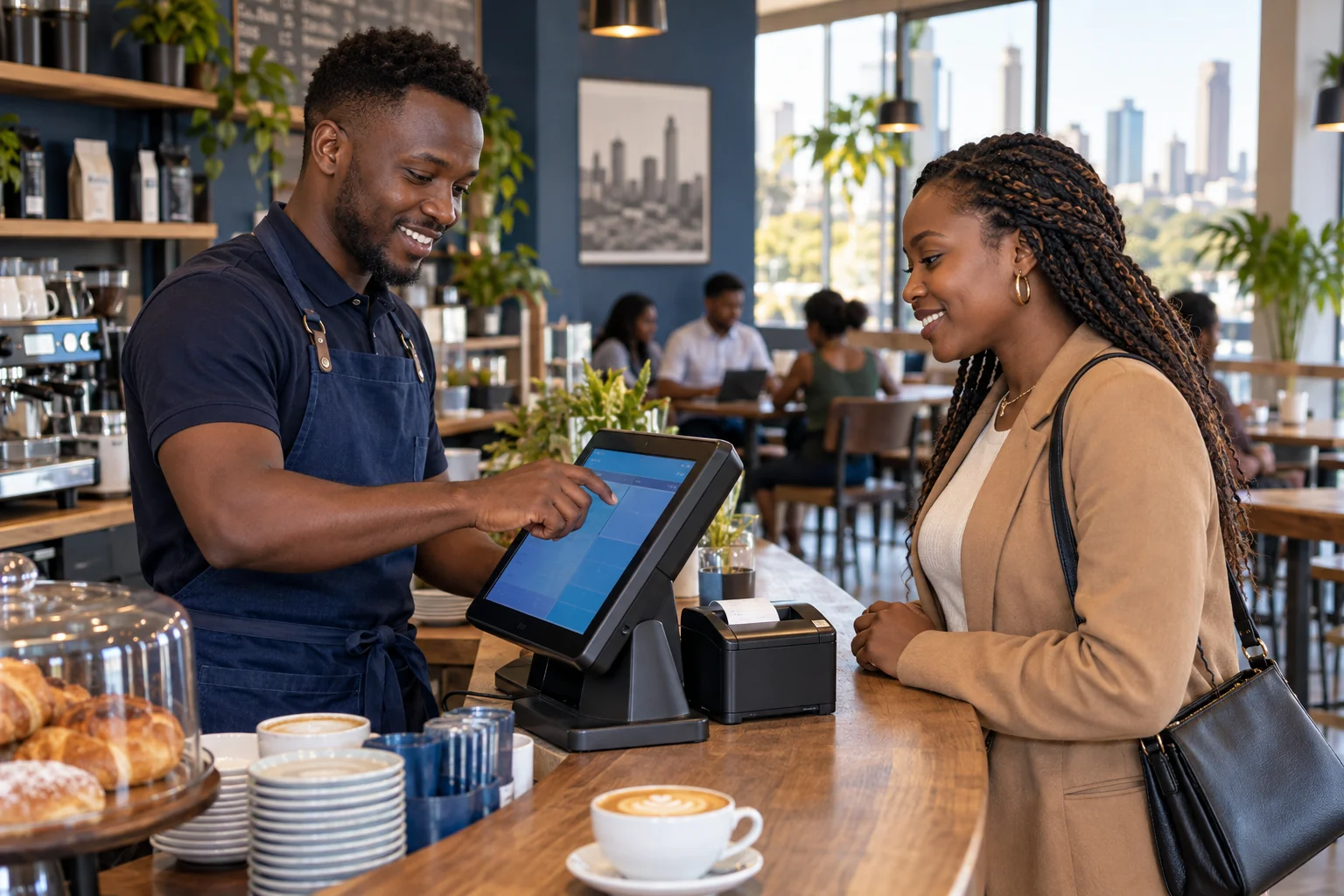
Bring orders, open bills and payments into a clearer flow. Configure the available table and waiter tools around your business.
Explore hospitality workflows →Illustrative business scenes · AI-generated images
A busy day creates a lot of information. Turn sales, stock and expense records into a clearer view of how your business is doing.
See how MyDuka helps →Review sales records and reports by the available dates and locations.
Use stock levels and low-stock alerts to support your next purchase.
Follow customer and supplier balances alongside payment records.
Set staff roles and permissions to match their responsibilities.
Start with your workflow. Choose your capacity. Set up the details that make the workspace yours.
Tell us what you sell and how your team works. Request a demonstration focused on your business.
Request a demo →Compare prices, billing periods, user limits and location allowances before registering.
Compare plans →Add products, opening stock and staff access. Configure the available tools for your daily operations.
Get setup support →Compare the current MyDuka packages, including billing periods, trial days and capacity. Choose what fits today and review your options as you grow.
Have a specific workflow in mind? Ask us to demonstrate it.
Visit support →MyDuka supports retail and hospitality workflows, with tools for products, sales, stock and business records. Visit Industries or request a demonstration to check the available setup for your business.
Yes. Roles and permissions control staff access, while your package determines the number of users and business locations available. Check the current limits on Pricing.
You can access the cloud system through an internet-connected computer, tablet or supported mobile browser. Access depends on your account permissions and subscription.
Use Contact or the WhatsApp button to tell the MyDuka team about your business and the workflow you want to explore. Never share your password or payment PIN.
Already with us? Sign in →